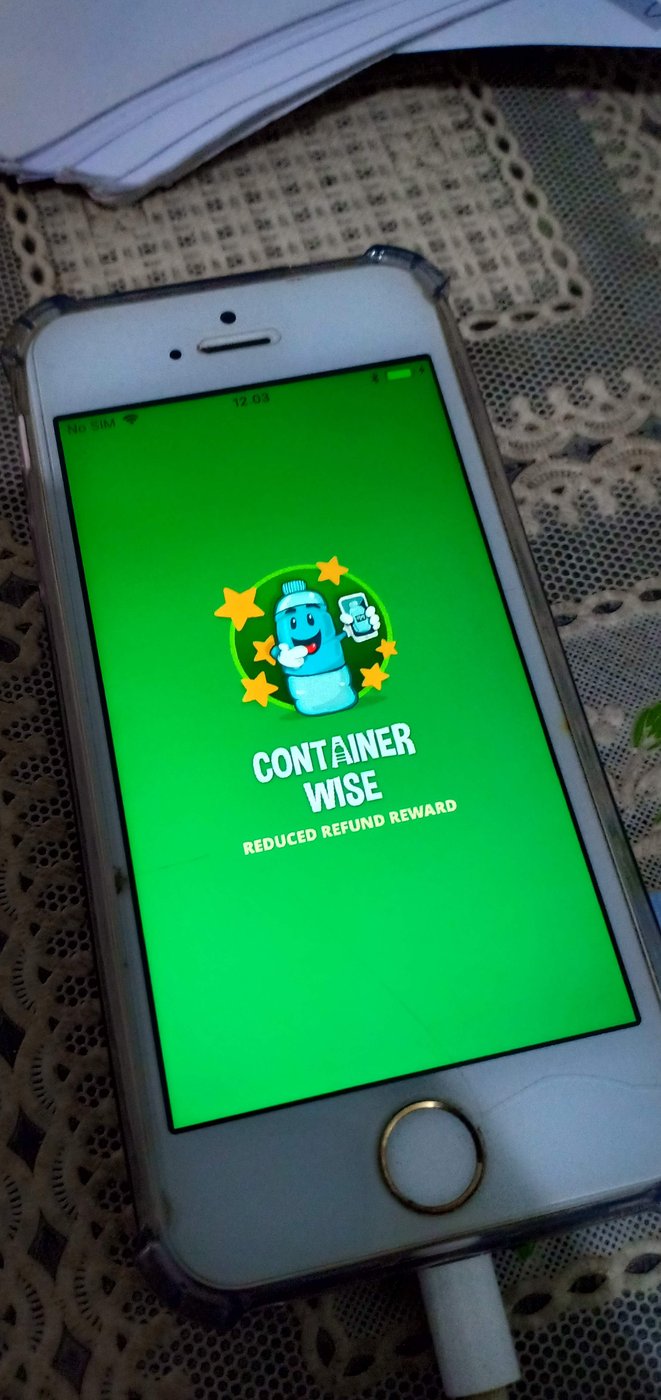
Container Wise
The Situation
I was hired directly to build Container Wise, a React Native mobile app for Android and iOS built around Queensland's container refund scheme: "Reduced Refund Reward."
The Task
My job was to build the app end to end in React Native — covering both the Android and iOS builds from a single codebase, along with the barcode scanning and photo-capture flow and its integration with the backend API.
The Action
- Scan — from the Barcode tab, the user scans the barcode on a drink container.
- Capture — they take a photo of the container as proof of the item being submitted.
- Submit — a short form collects the user's name, email, mobile number, and post code, plus an optional comment, then submits the claim.
- Confirmation — a "Thank you" screen confirms the submission, with a one-tap option to scan another bottle.
Beyond the core scan-and-submit flow, the app also has a Feed tab with shareable environmental-awareness content (litter/recycling facts, like/share actions), an Achievement tab that gamifies participation, and a Profile tab for the user's own account and history.
Technically, this meant:
- Mobile app: React Native, built for both Android and iOS from a single codebase.
- Barcode scanning: an in-app camera-based scanner identifies the container/product.
- Photo capture: the same in-app camera flow captures a photo of the physical container as submission proof.
- Backend: a custom REST API handling barcode lookups, photo uploads, and reward-claim submissions.
Demo
The Result
Container Wise was my first hands-on mobile app built with React Native for a real client, shipped for both Android and iOS from one codebase — a different kind of build from the web-first work before it.